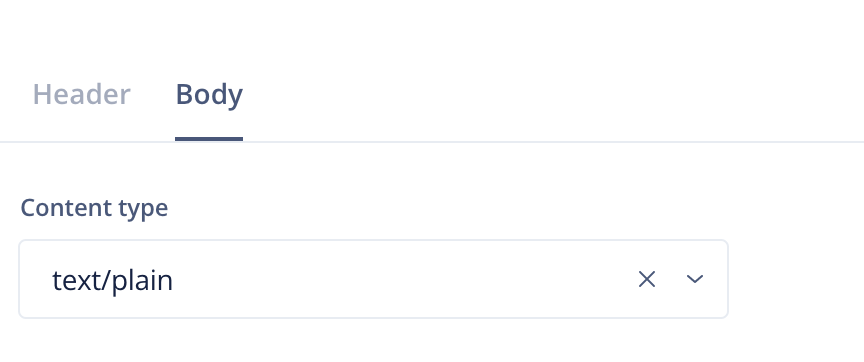
DELETE, POST, and PUT methods require a body, and those can be multiple lines long because of the mandatory input, like our own Create Conversation. When editing a custom card, there's a Body tab to help with the problem.
This is the Dixa example of a request to create a conversation using the curl command.
curl -i -X POST https://dev.dixa.io/v1/conversations \
  -H 'Authorization: YOUR_API_KEY_HERE' \
  -H 'Content-Type: application/json' \
  -d @- <<'EOF'
{
    "requesterId": "9c2a2cce-699f-4a72-89d9-fda5bc8dec8b",
    "emailIntegrationId": "my-integration@email.dixa.io",
    "subject": "order #123",
    "message": {
        "content": {
            "value": "My order hasn't shipped",
            "_type": "Text"
        },
        "attachments": [],
        "_type": "Inbound"
    },
    "language": "en",
    "_type": "Email"
}
EOF
The -d parameter indicates the body of the request. In this example, it is a JSON string, but it is possible to specify a body type in other formats, like plain text, CSV, HTML and form URL encoded.
The body type should be selected accordingly in the Content-Type field.
Following this example, you must select "application/json" in the Content Type dropdown and then insert the request in the Body field the content between single quotes that come after the body (-d) parameter of the curl request (i.e. taking everything starting from the first curly bracket {...} to the last, brackets included).
Additionally, you can use placeholders to have dynamic bodies.