# Displaying Information

The template can be written in HTML and supports [Liqp](https://github.com/bkiers/Liqp) (version 0.8.3.3), which is a Java implementation of [Liquid](https://shopify.github.io/liquid/). Additionally, it's possible to mix Liquid and HTML in the **Template content** to display the information from the data source.

## HTML

Here's an example template:


```html
<html>
  <head>
    <link rel="stylesheet" href="https://toolkit.dixa.io/cards/v1/style.css" />
    <link
      rel="stylesheet"
      href="https://unpkg.com/purecss@1.0.1/build/pure-min.css"
      integrity="sha384-oAOxQR6DkCoMliIh8yFnu25d7Eq/PHS21PClpwjOTeU2jRSq11vu66rf90/cZr47"
      crossorigin="anonymous"
    />
    <style type="text/css">
      body {
        font-family:
          Open Sans,
          sans-serif;
        -webkit-font-smoothing: antialiased;
      }
      table {
        border-style: hidden;
        width: 100%;
        border-collapse: collapse;
        border-spacing: 0;
      }
      tr {
        text-align: left;
        font-size: 12px;
        text-transform: uppercase;
        color: #9b9b9b;
        font-weight: 600;
        line-height: 32px;
        padding: 0 8px;
      }
      a {
        color: #448aff;
      }
      td {
        font-size: 14px;
        line-height: 20px;
        color: #5a5a5a;
        background-color: transparent;
        padding: 6px 8px;
      }
      td:nth-child(1) {
        width: 150px;
        min-width: 150px;
      }
      tr:nth-child(odd) {
        background: #ffffff;
      }
      tr:nth-child(even) {
        background: #f9f9f9;
      }
      table tr:hover {
        background: #f5f5f5;
      }
    </style>
  </head>
  <body>
    <center>
      <img src="IMAGEHERE" style="width: 200px;" />
    </center>
    <br />
    <table>
      <tr>
        <td>ELEMENT TYPE</td>
        <td>ELEMENT VALUE</td>
      </tr>
      <tr>
        <td>ELEMENT TYPE</td>
        <td>ELEMENT VALUE</td>
      </tr>
      <tr>
        <td>ELEMENT TYPE</td>
        <td>ELEMENT VALUE</td>
      </tr>
    </table>
  </body>
</html>
```

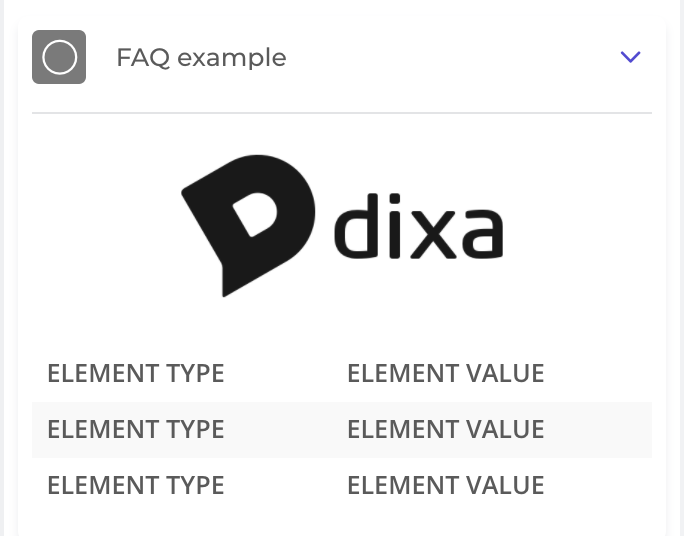
If you decide to use the template, replace "IMAGEHERE" with a link to your logo and place data where you see the block of `<tr>` (table row). This is what it would look like in this phase:
![Rendered version of the HTML](/assets/example.f0fd601d29b1d524b41587807aa43bccc60a6788e7debfb0c219a90afe0fe59f.fcd6b147.png)

## Liquid

You can use [Liquid markup](http://liquidmarkup.org/) to display data. For example, if your webhook URL responds with the following JSON:


```json
{
    "results":{ 
        "name":"Dixa",
        "vertical":"SaaS",
        "revenue":3000.22
    }
}
```

You could use `{{ results.name }}` to display "Dixa" in your custom card. Likewise, `{{ results.revenue }}` would display 3000.22.

If you'd only want to show the revenue if it's under 9000, you could do `{% if results.revenue < 9000 %} {{ results.revenue }} {% endif %}`

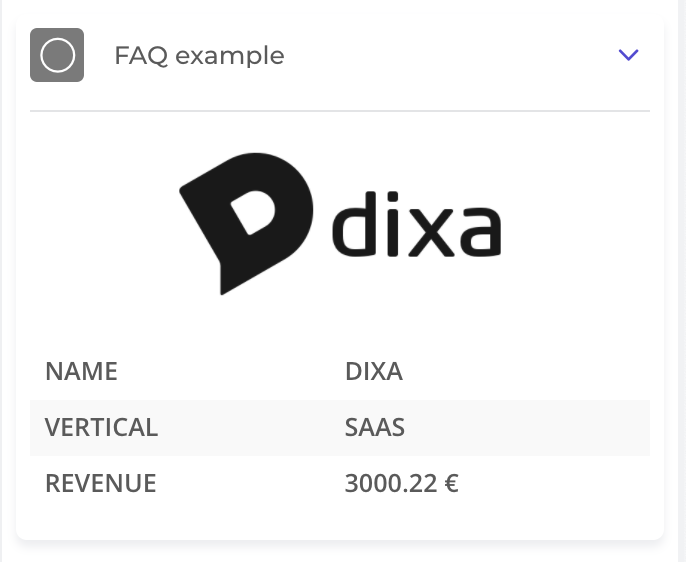
After adding data, the end result should be something like this:
![Rendered version of the filled HTML](/assets/example-filled.14f98f19ff442ad038e2b9d7e3496804940bf525052705843c5f71fdfa9720f5.fcd6b147.png)